Appearance
Settings
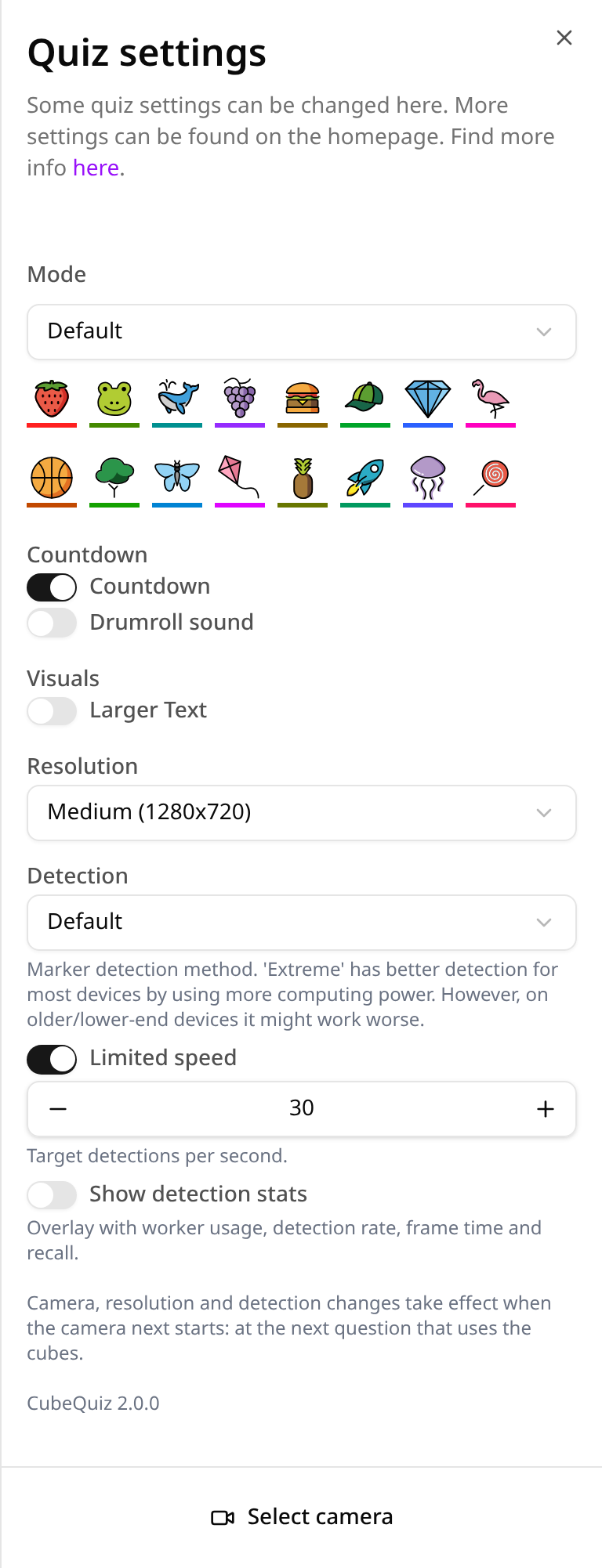
Open the settings with the gear button in the player. The following settings are available:
- Mode: Which set of cubes is in use. Its team emojis and colours are shown below it.
- Countdown: Whether the player counts down before checking the answers, with or without a drumroll sound.
- Larger Text: Bigger text on questions, handy in a big room.
- Resolution: The resolution of the camera.
- Detection: How the cubes are detected, 'Default' or 'Extreme (experimental)'. Together with Limited speed and Show detection stats: don't touch them if you are not sure.
- Select camera: Which camera is used, with the button at the bottom.
Changes work right away. Camera, resolution and detection changes start at the next question that uses the cubes.