
Appearance
Editor
The editor is where you make and change quizzes. Open it with the + button (New quiz) on the homepage, or with the Edit button of a quiz.
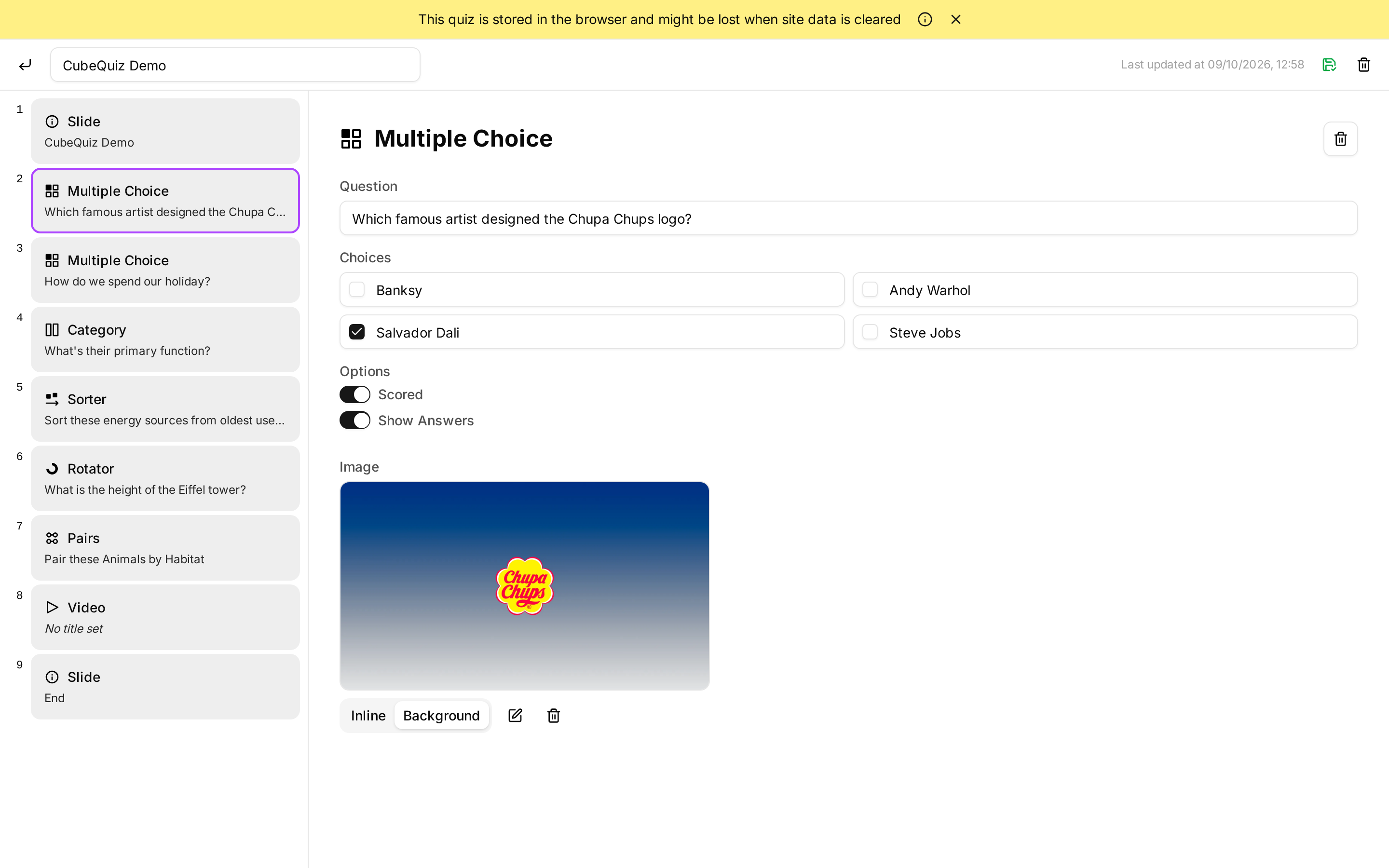
Questions and slides
On the left you see all questions and slides of your quiz. Click one to edit it on the right.
- Add: hover over a question and click the + below it. Pick a question type or a slide, and it is added after that question.
- Move: drag a question up or down.
- Delete: click the trash button next to the title on the right.
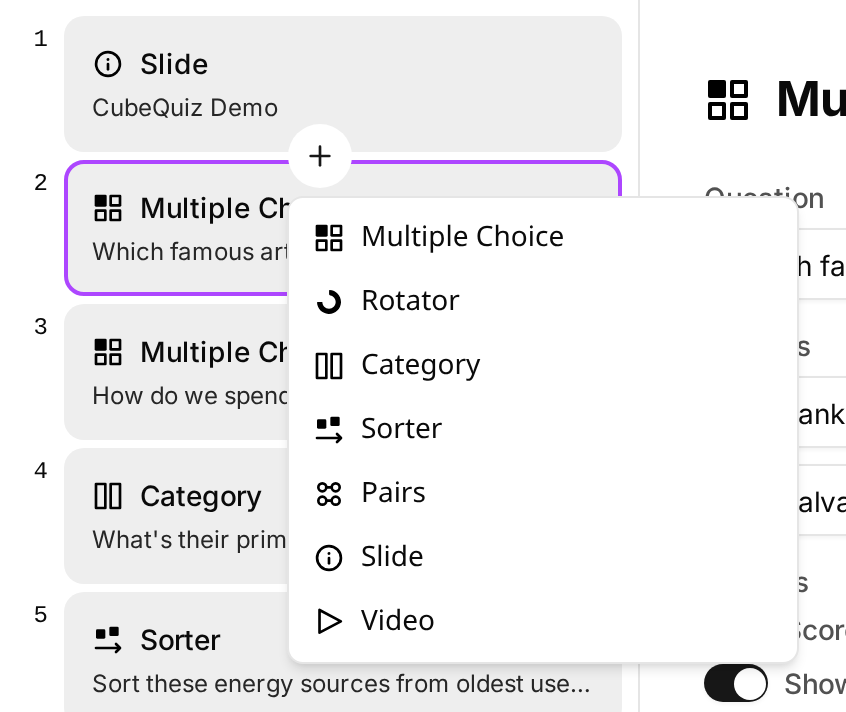
What you can set depends on the type of question. You find the options on the page of each format.
💡 Want to learn by example? Add the Editor tutorial from the curated quizzes. It explains every question type.
Saving
Give your quiz a name at the top and click the save button at the top right. It turns green when everything is saved. If you go back to the homepage with unsaved changes, CubeQuiz asks first.
The trash button at the top right deletes the whole quiz.
The yellow bar at the top means the quiz is stored in your browser. Read Storing quizzes to keep it safe.