Appearance
Rotator
The Rotator question format in CubeQuiz challenges players to guess a value by rotating their cube to match their estimate. It's ideal for numeric questions, estimation games, or any scenario where answers fall on a continuous scale rather than fixed choices.
Game Flow
🧠 Thinking Step
At this stage, the question is displayed, but players are not yet allowed to submit their answers. This gives everyone time to reflect and consider their guess without rushing.
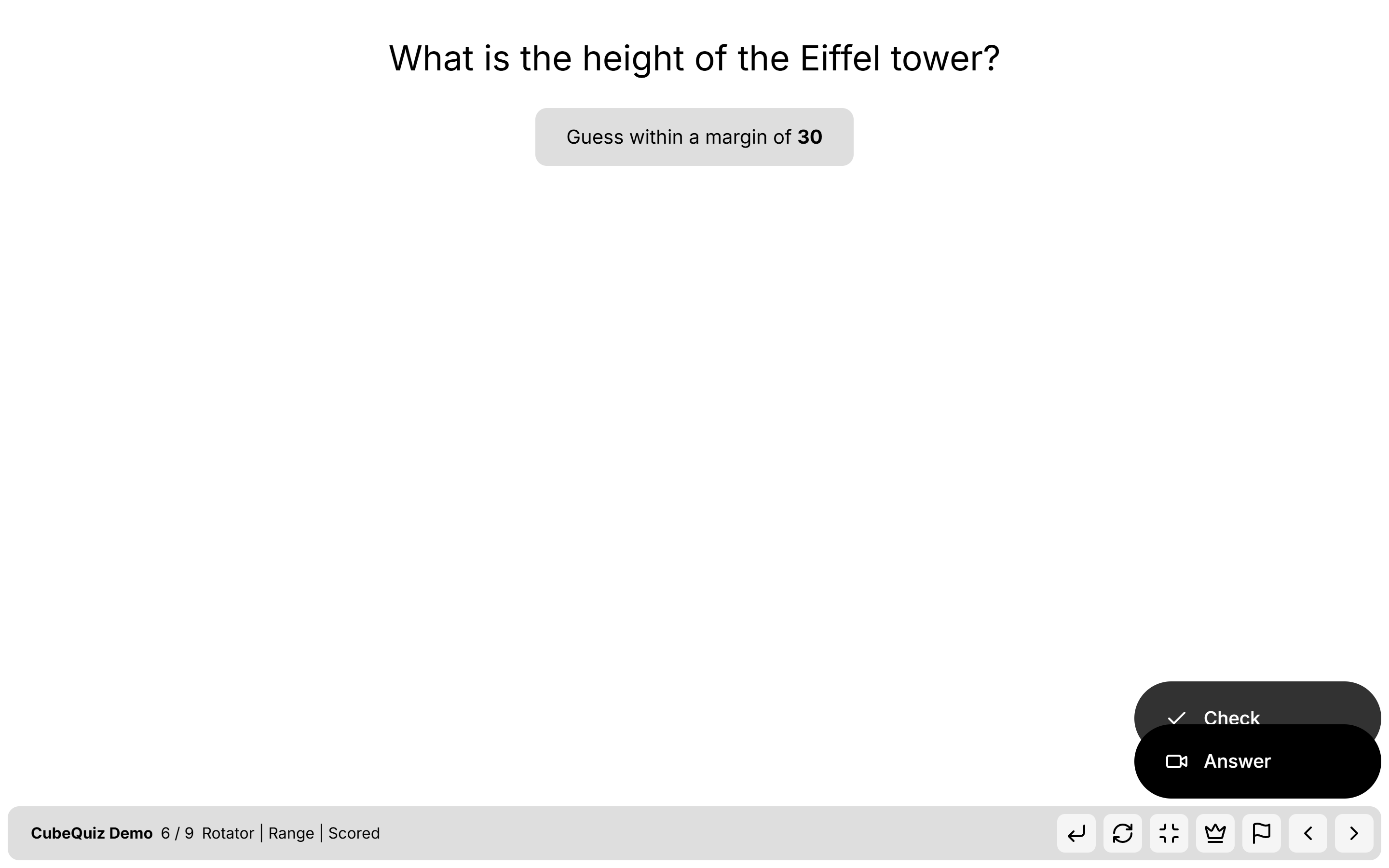
🎯 Answering Step
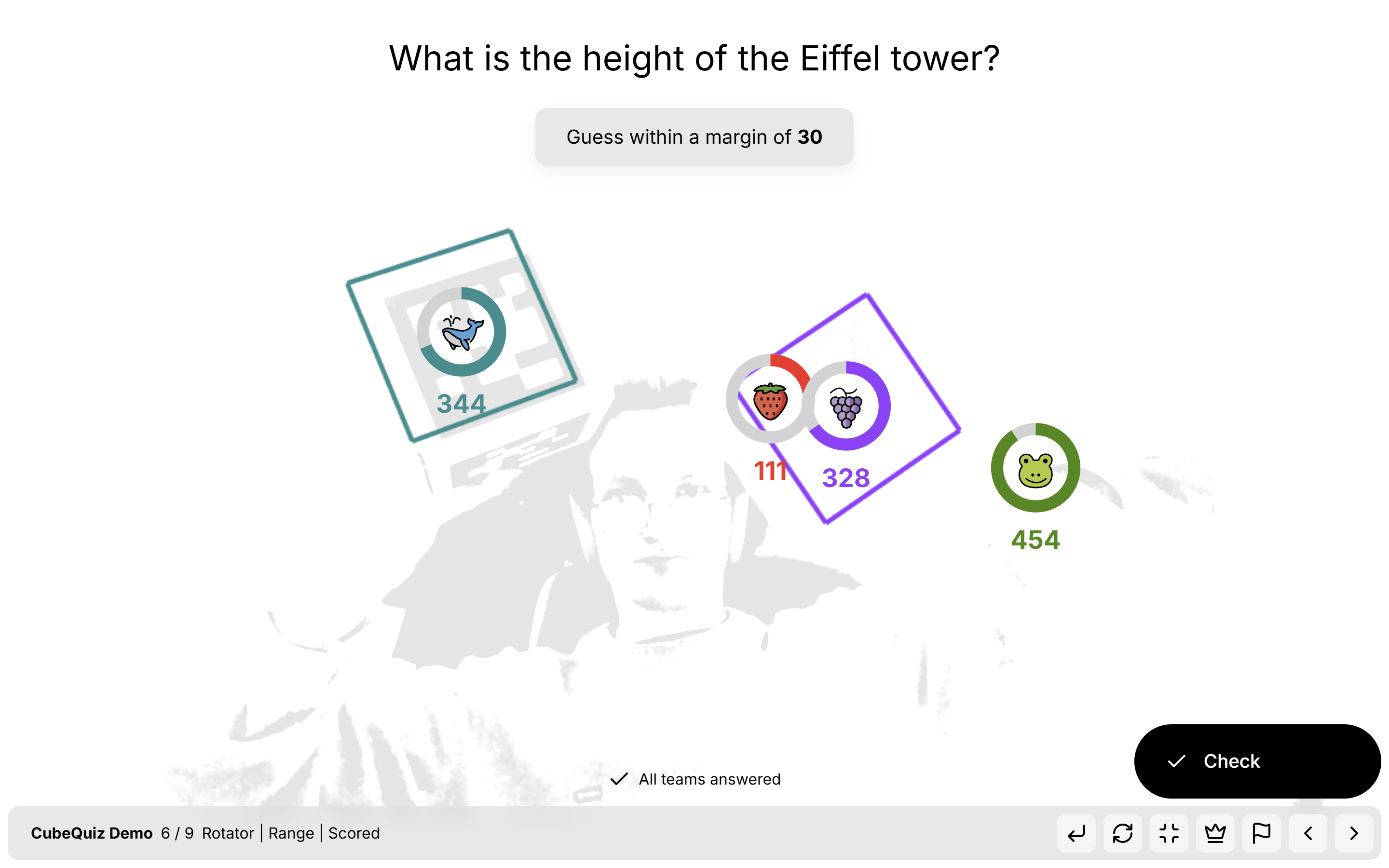
Now, players are allowed to rotate their cube to indicate their chosen value. Each side or rotation angle represents a different point along a defined numerical range.
✅ Results Step
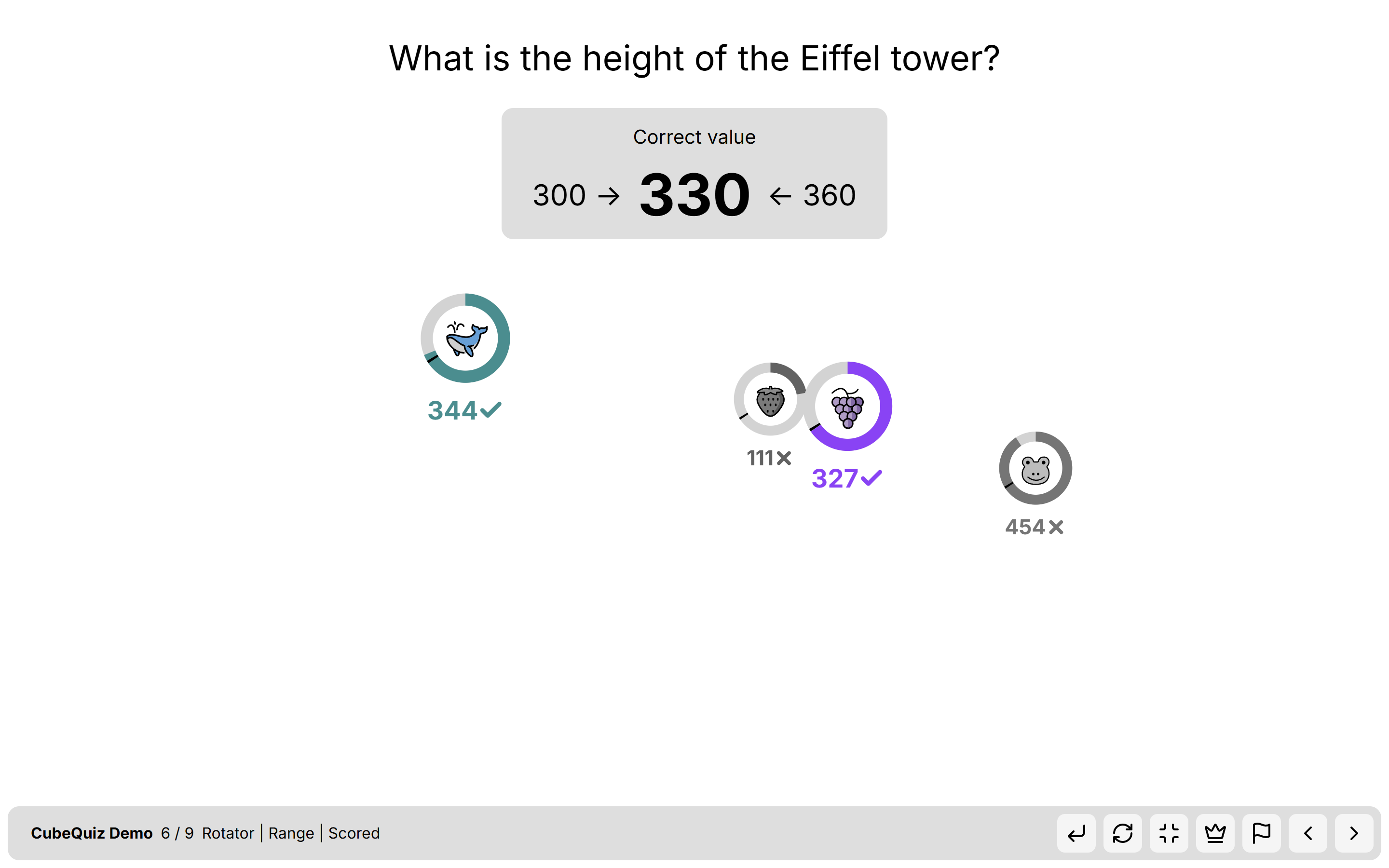
After all answers are submitted, the system checks each player’s response:
- If the answer falls within a defined margin around the correct value, it's marked as correct and the player receives a point.
- In closest mode, only the player with the most accurate guess receives the score.
Editor & Customization Options
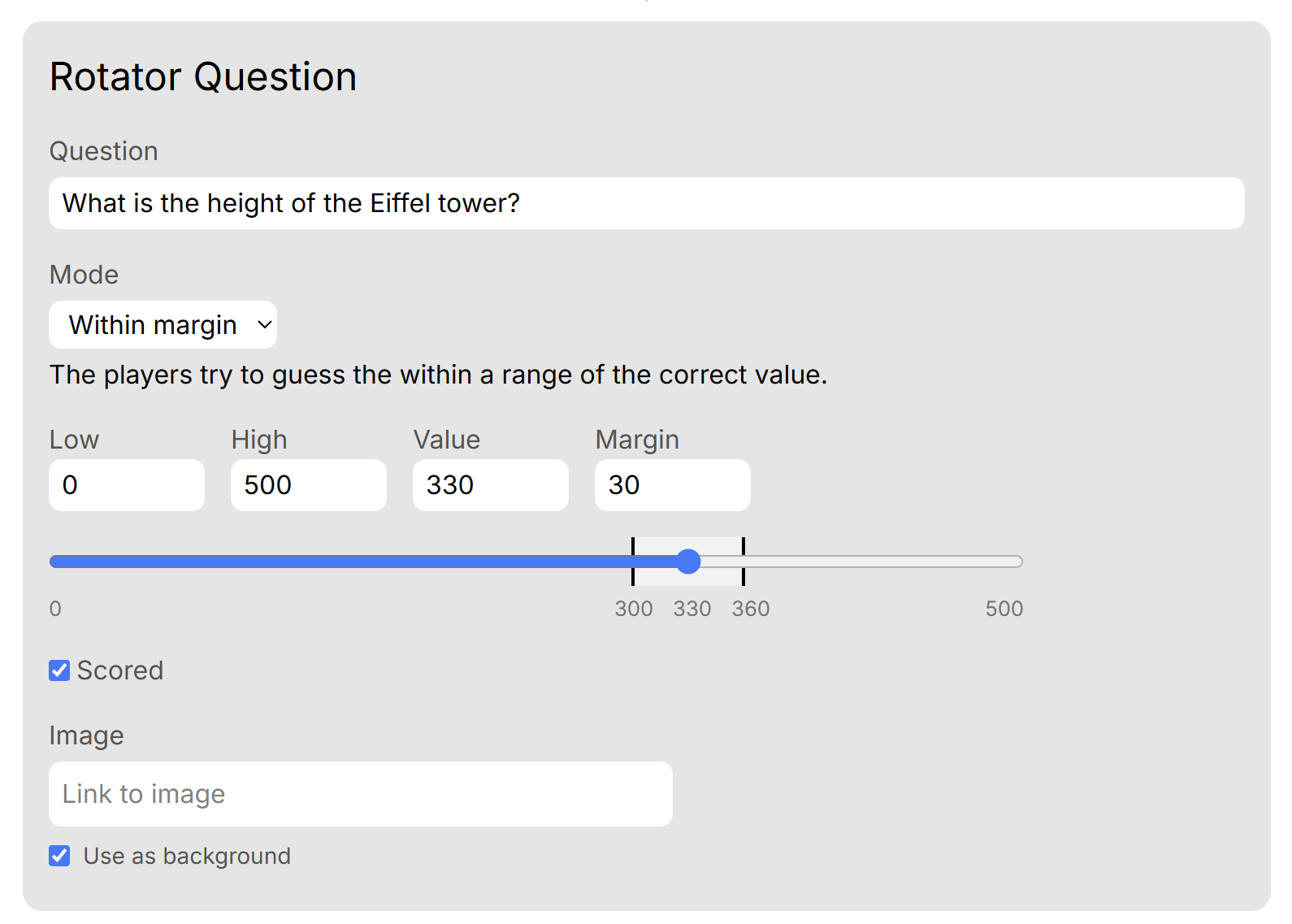
When creating a Rotator question, the following options are available in the editor:
- Question Text – Write the question that players will answer with a value.
- Mode – Choose how correctness is determined:
- With Margin: Define a margin of error. Answers within this margin from the correct value are accepted.
- Closest: Only the player with the closest answer receives a point.
- Values:
- Low & High – Define the range of possible values players can choose from.
- Correct Value – The actual correct answer to the question.
- Margin – The acceptable range around the correct value (used in margin mode).
- Scored – Choose whether this question contributes to the total score.
- Image Settings – Upload an image and specify whether it appears in the background or foreground of the question screen.